Before you buy an account: a practical checklist
Buying an established account can save you time, but it is a decision worth making slowly. This checklist covers what to look at before you pay, so there are no surprises afterwards.
1. Understand who really owns the platform
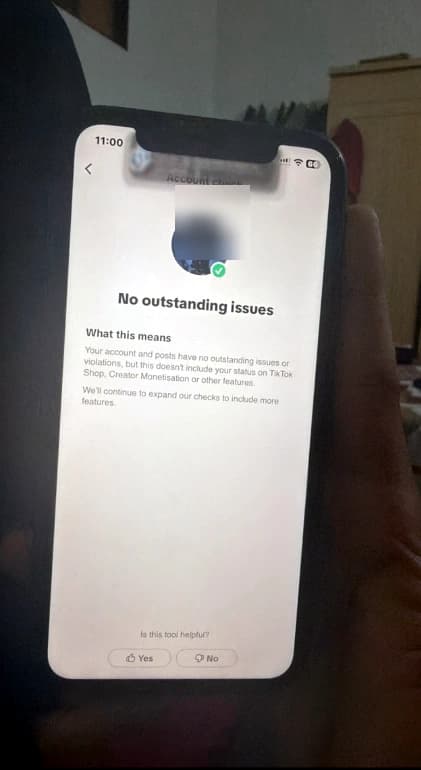
YouTube, TikTok and every other platform have their own terms and policies, and they can change them at any time. A platform can limit, suspend or remove an account at its own discretion. Read the current rules of the platform before you buy, and decide whether you are comfortable with that risk.
2. Read the product page line by line
Each product page lists what the account includes, such as its monetization status, audience size and the options you can choose. If something is not written there, do not assume it is included. Ask support first.
3. Use the right email
For YouTube accounts, the transfer goes to the Google account you give us at checkout. Use the email you actually sign in with, and double-check the spelling. A typo here is the most common reason for delays.
4. Do not expect guaranteed earnings
A monetized account is a starting point, not a salary. Views, followers and revenue depend on the content you publish and on the platform's rules. Anyone promising fixed income from an account is not being honest with you.
5. Know the refund rules before you order
Refunds are available in specific cases, for example when an account cannot be delivered or is not as described. They are not available for a change of mind after the transfer is complete. Read the refund policy first so you know where you stand.
6. Plan your first 24 hours
- Have a password manager ready.
- Have a phone number and recovery email that belong to you.
- Set aside time to follow the transfer steps without rushing.
7. Ask questions
If anything is unclear, ask before you order. A good seller is happy to explain the process, the options and the limits.