How to Get Monetized on YouTube in 2026: Step-by-Step
Getting monetized on YouTube means being accepted into the YouTube Partner Program (YPP). Once you are in, YouTube shares ad revenue with you. Here is the full path, from your first video to your first payout.
Step 1: Reach the requirements
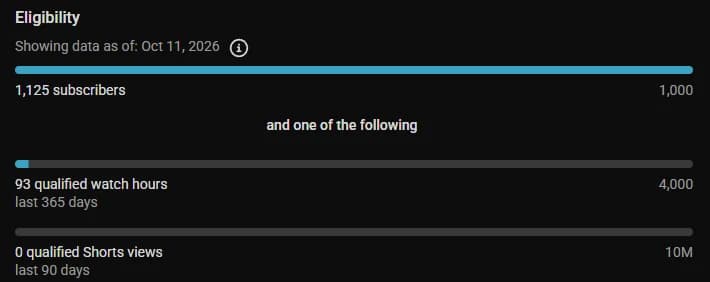
- 1,000 subscribers.
- 4,000 public watch hours on long videos in the last 12 months, or 10 million public Shorts views in the last 90 days.
- No active Community Guidelines strikes.
- 2-Step Verification turned on for your Google account.
- You live in a country where YPP is available.
Step 2: Apply in YouTube Studio
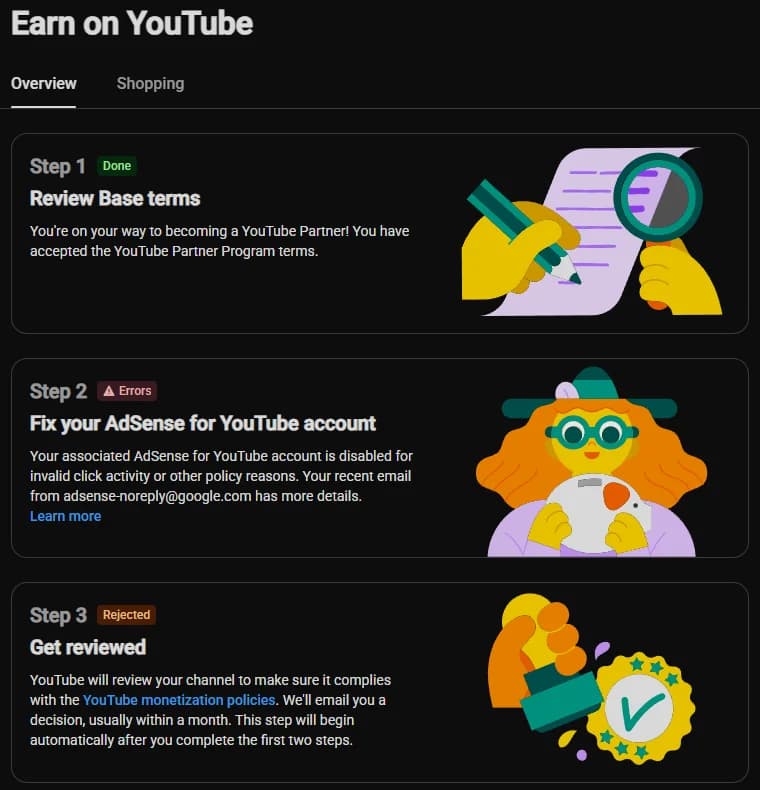
- Open YouTube Studio and click Earn in the left menu.
- Click Apply and accept the Partner Program terms.
- Link an AdSense account, or create a new one. This is where you get paid.
- Wait for the review. YouTube's team checks your channel against its policies.
Step 3: Wait for the review
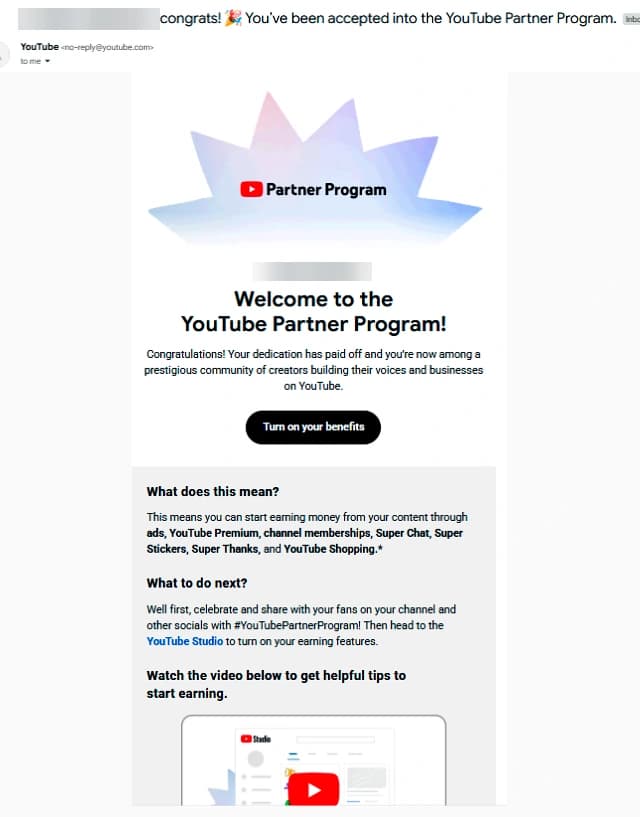
Most reviews finish in about a month, though busy periods can take longer. Reviewers look at your main theme, your most-watched videos, your newest videos and your titles, thumbnails and descriptions. If you are rejected, you can usually apply again after 30 days.
Why channels get rejected
- Reused content: clips, compilations or reuploads with little of your own commentary or editing.
- Repetitive content: many near-identical videos made from a template.
- Copyright problems: music, movie clips or footage you do not have the rights to.
- Misleading titles or thumbnails.
- AI voice over stock footage with no real value added. AI tools are allowed, but the content still has to be original and useful.
How long does it take to get monetized?
It depends on your niche and how often you post. Many new channels take 6 to 18 months to reach 1,000 subscribers and 4,000 watch hours. Some never get there. Posting consistently in one clear topic is the fastest honest way.
What changes on February 1, 2027
YouTube has announced higher thresholds for new applicants from February 1, 2027: 8,000 watch hours or 20 million Shorts views. Channels already in the program are not affected by that change. If you are close today, it is worth applying before the new rules start.
After you are approved
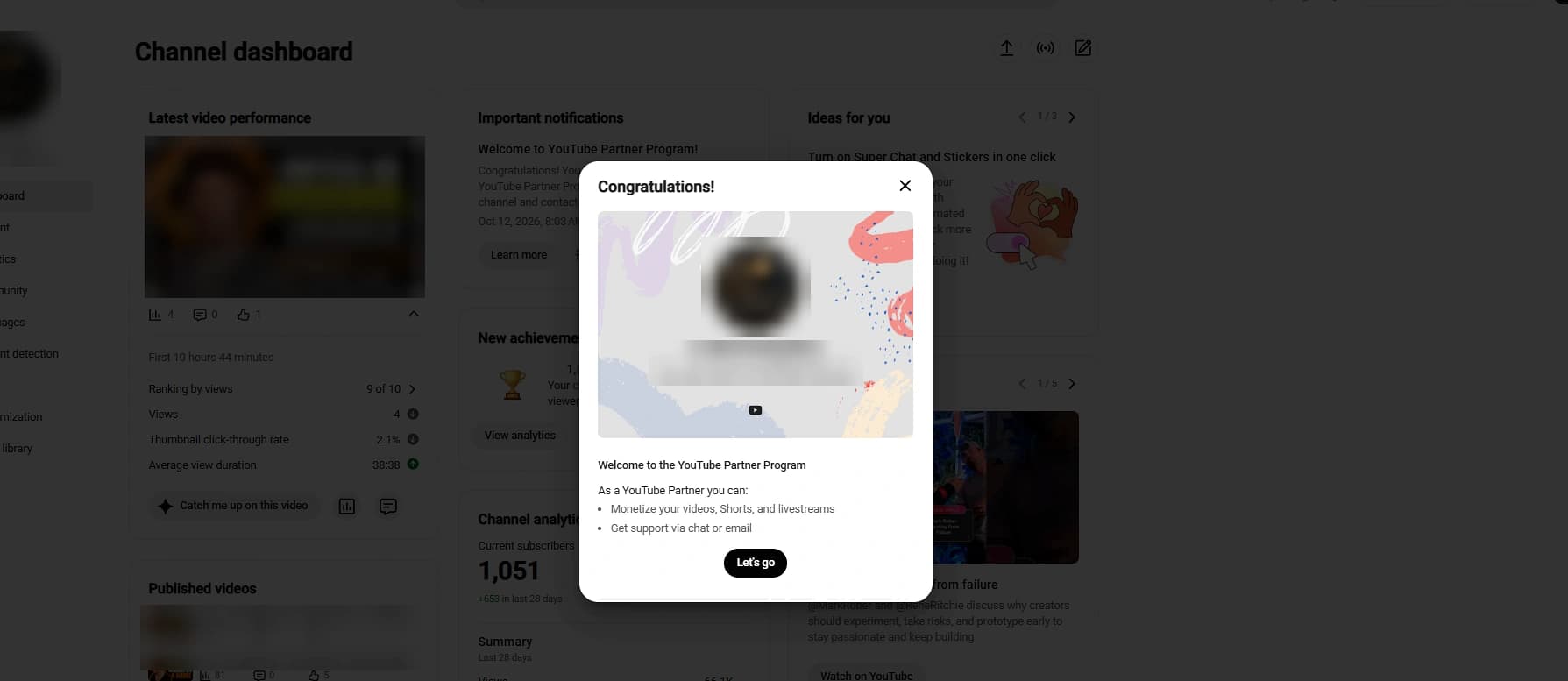
- Turn on ads for your videos in YouTube Studio.
- Make some videos 8 minutes or longer so mid-roll ads can run.
- Keep your channel free of strikes. Serious violations can remove monetization.
- Payments arrive monthly through AdSense once you pass the payment threshold.