How to secure an account right after an ownership transfer
Sep 29, 20265 min readBy the Instant Monetized team
The first hour after you receive an account matters most. Until you have locked it down, it is still tied to details you do not control. Work through this checklist in order.
Quick answer: in the first hour, change the password, turn on 2-step verification with your own phone or authenticator app, replace the recovery email and phone, sign out all other sessions, remove unknown connected apps and users, and update payout details.
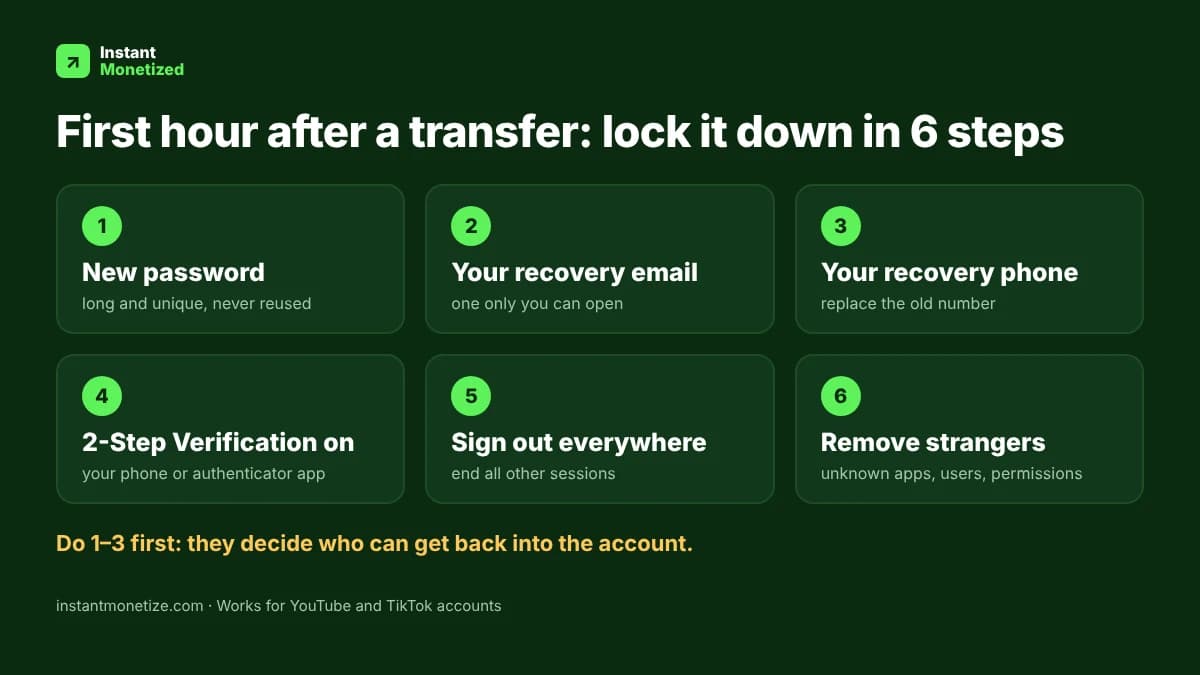
- Change the password straight away. Use a long, unique password from a password manager.
- Replace the recovery email with one that only you can access.
- Replace the recovery phone number with your own.
- Turn on 2-Step Verification. YouTube also requires it for the Partner Program.
- Sign out of all other devices and sessions from the security settings.
- Review apps and services that have access to the account and remove anything you do not recognise.
- Check who has permissions on the channel or account and remove anyone you did not add yourself.
- Check the payment and payout details. Make sure any AdSense or payout information is yours.
- Save your backup codes somewhere safe, offline if possible.
Got a 2FA secret key with your account? Get the 6-digit login code right in your browser.Free 2FA code generator →
Why the order matters
Password, recovery email and recovery phone come first because they decide who can get back into the account later. Everything else is a clean-up step on top of that.
Keep it clean afterwards
- Do not reuse the password on any other site.
- Do not share login details with anyone.
- Be careful with links and messages that claim to come from the platform.
Menu names change from time to time, so look for the security and permissions areas in the account settings of the platform you are using.
Have a question about your transfer?Talk to our team →