Buy YouTube Accounts in 2026: New vs Aged vs Monetized Compared
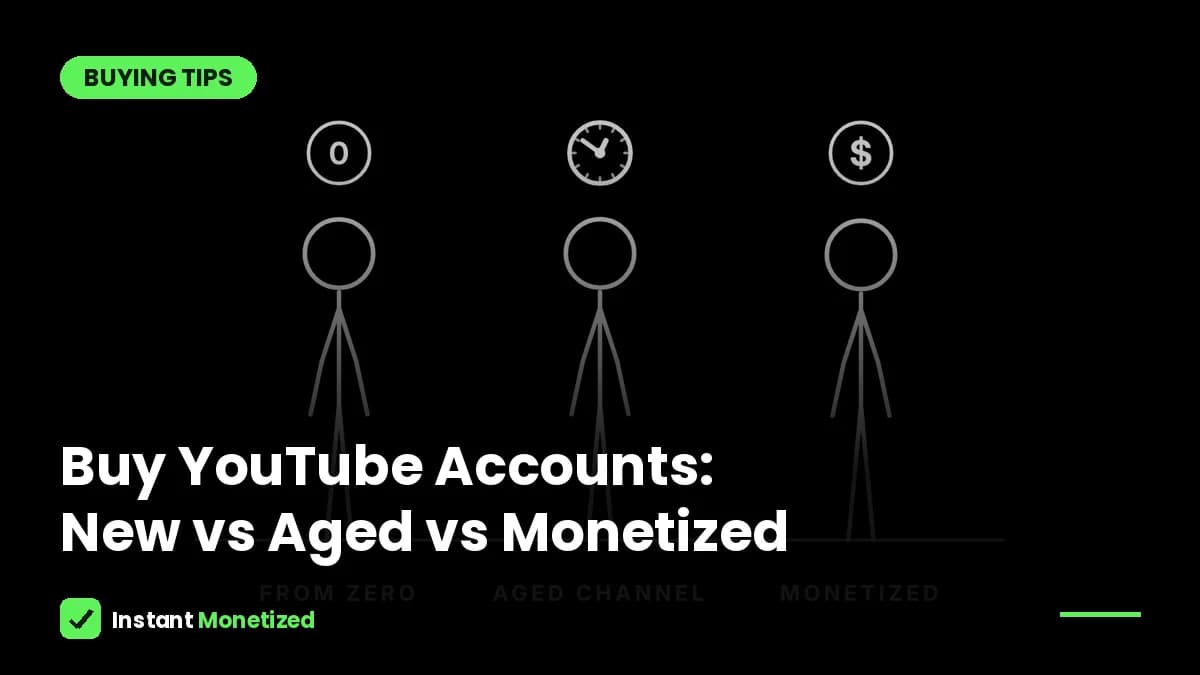
People who search for "buy YouTube accounts" usually want one of three things: a fresh account to start a new project, an aged YouTube account with some history behind it, or a monetized YouTube channel that already earns from ads. They are very different products at very different prices. This guide compares all three side by side, explains what YouTube itself unlocks at each stage, and shows how to buy safely so the account really becomes yours.
New vs aged vs monetized YouTube accounts at a glance
| New account | Aged account | Monetized channel | |
|---|---|---|---|
| Cost | Free | From $24.99 (our price) | $399.99–$499.99 (our price) |
| Channel history | None | 1–2 or 3+ years | Varies, already accepted by YouTube |
| In the Partner Program? | No | No | Yes |
| What you still need to earn | Meet every YPP requirement, then get reviewed | Meet every YPP requirement, then get reviewed | Nothing: link your AdSense and upload |
| Best for | Testing an idea with no budget | Starting a new niche on an account with history | Earning from your first upload |
Prices from instantmonetize.com, November 2026. Aged accounts are sold without monetization.
What YouTube unlocks at each stage
YouTube gives every channel one of three feature levels. According to YouTube Help, a new channel gets standard features straight away: uploading videos and Shorts, playlists and posts. Intermediate features, such as videos longer than 15 minutes, custom thumbnails and live streaming from a computer, need a verified phone number. Advanced features, which include applying for monetization, clickable links, pinned comments and A/B testing, come either from verifying your identity with an ID or a short video, or from building "sufficient channel history" over time.
| Feature level | How you get it | Examples |
|---|---|---|
| Standard | Create a channel with no active strikes | Upload videos and Shorts, playlists, posts |
| Intermediate | Verify a phone number | Videos over 15 minutes, custom thumbnails, live streaming on a computer |
| Advanced | ID or video verification, or enough channel history | Apply for monetization, clickable links, pinned comments, A/B testing, chapters |
Source: YouTube Help, "Learn about feature access for YouTube Creators" (support.google.com/youtube/answer/9890437), checked November 2026. YouTube does not say how long channel history takes.
This is the honest difference between a new and an aged account. A channel that has been active and clean for a while may already have the history YouTube looks for. A brand-new one starts at the bottom. Age alone does not make videos rank or earn, and YouTube never says that it does.
When a new account is enough
If you only want to test a niche, learn editing, or post for fun, open a channel for free. You lose nothing but time. Just remember that a new channel needs all of YouTube's Partner Program requirements before it can earn from ads: today that is 1,000 subscribers plus 4,000 public watch hours in the last 12 months, or 1,000 subscribers plus 10 million Shorts views in 90 days.
When to buy an aged YouTube account
- You want to start a new niche but not on a day-old account.
- You plan to grow the channel yourself and don't need ad money from day one.
- You want a cheap second or third channel for a different language or audience.
An aged account is still not monetized. You will meet the same Partner Program requirements as anyone else; you simply start on an account with some history rather than a blank one.
When to buy a monetized YouTube channel
- You want ad revenue from your first upload instead of after months of chasing watch hours.
- You already know how to make videos and the requirements are the only thing holding you back.
- You want to skip the stricter 2027 thresholds for new applicants.
How to buy a YouTube account safely
- Insist that ownership moves to your own Gmail. The safe method adds your Gmail as an owner of the channel's Brand Account; after YouTube's 7-day wait you become primary owner and the seller is removed.
- Check the real age. Open the channel, tap More about this channel and read the Joined date. You can also use our free channel age checker.
- Check for strikes in YouTube Studio once you have access, and ask for a screenshot before you pay.
- For a monetized channel, confirm the Monetization tab shows the channel is in the Partner Program, then link your own AdSense.
- Read the refund or replacement policy before paying, and pay in a way that leaves a record.
- Secure the account straight away: new password, your own 2-Step Verification, and remove any old recovery details.
Red flags when buying YouTube accounts
- Password-only handovers with no owner transfer.
- A Joined date that doesn't match the age in the listing.
- Large subscriber counts with almost no views, which often means bought subscribers.
- "Monetized" claims you can't see in YouTube Studio.
- No refund, no replacement and no way to reach the seller after the sale.
Buying a YouTube account from us
We sell aged YouTube channels (Standard 1–2 years for $24.99, Premium 3+ years for $34.99) and monetized YouTube channels ($399.99 for an Asian and worldwide audience, $499.99 for a US, UK and Europe audience). Ownership is moved to the Gmail you enter at checkout within 12–24 hours, every order has a 30-day replacement or refund, and you can pay by Visa, Mastercard, bank transfer or USDT.
Can you buy a YouTube account?
Yes. Buying a channel is legal in most countries, but YouTube's rules still apply after the sale. Make sure ownership is moved to your own Gmail rather than accepting a shared password.
What is the difference between an aged and a monetized YouTube account?
An aged account is simply an older channel with some history; it is not in the YouTube Partner Program. A monetized channel is already accepted into the Partner Program, so it can earn from ads straight away.
Is an aged YouTube account monetized?
No. Aged accounts are sold without monetization unless the listing clearly says otherwise. You still need to meet the Partner Program requirements.
How much does a YouTube account cost?
Aged accounts usually cost tens of dollars (ours are $24.99 and $34.99). Monetized channels cost far more because they can earn straight away (ours are $399.99 and $499.99).
How do I get a YouTube account transferred to me?
The seller adds your Gmail as an owner of the channel's Brand Account. After YouTube's 7-day wait you can be made primary owner and the seller removed.
Do aged YouTube accounts rank better?
YouTube does not say that age helps ranking. Channel history can count towards advanced features, but views still depend on your videos.